
Cloud backup that covers the whole app
Dreeze backs up your AWS and Azure data along with the networking, identity, and keys it depends on, and locks it all in a logically air-gapped vault you own. When you restore, the app comes back ready to run.
What is cloud backup?
Cloud backup keeps copies of the applications you run in AWS and Azure somewhere an outage, an attacker, or a bad change can’t reach. Most tools copy the data and individual resources: snapshots of disks, databases, and storage buckets.
But a cloud app also needs config, managed identities, load balancers, and any number of other non-data pieces that could change every week. Back up only the data and every recovery turns into a tedious manual rebuild.
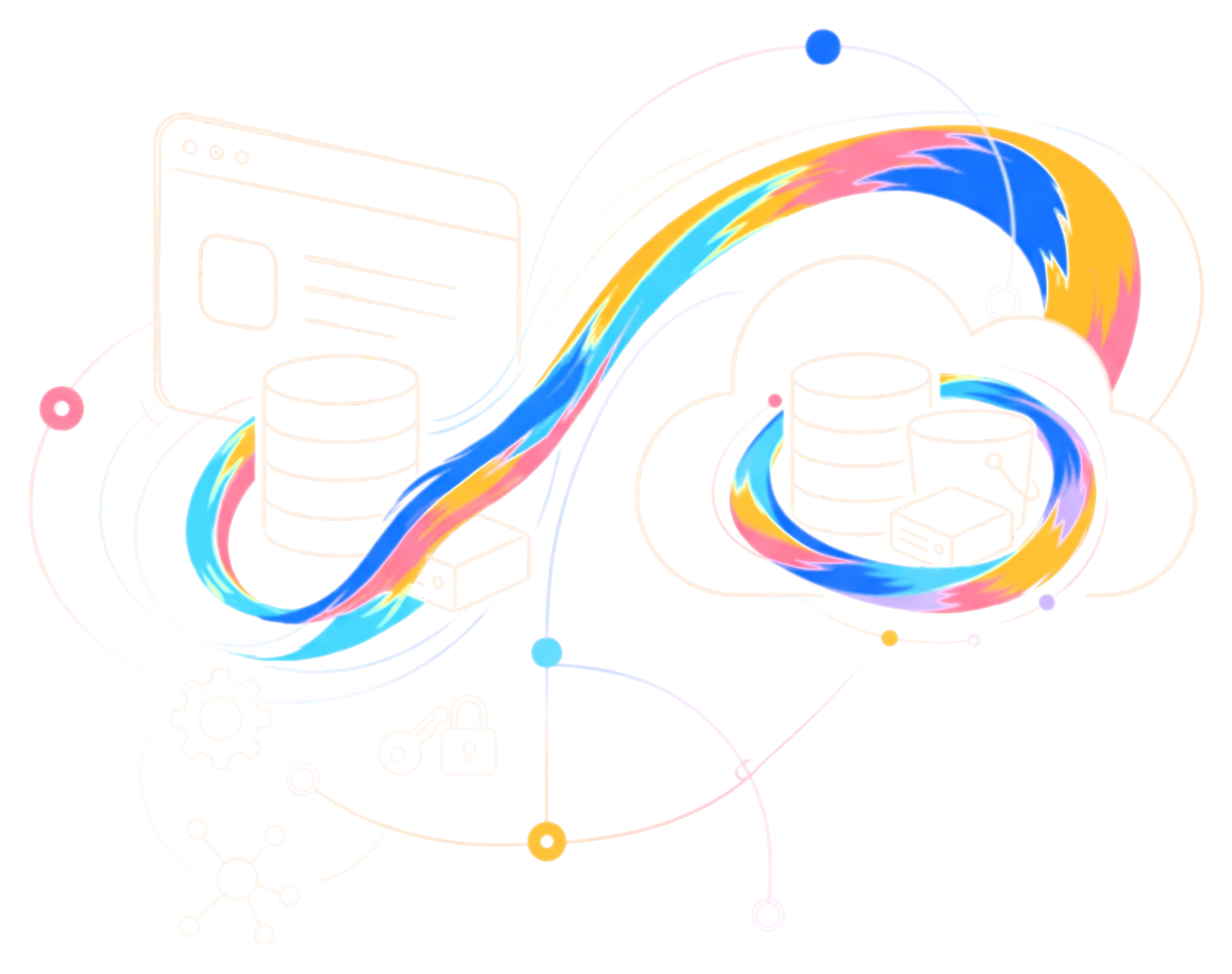
Dreeze for cloud backup
The backup features you expect, built around the whole app
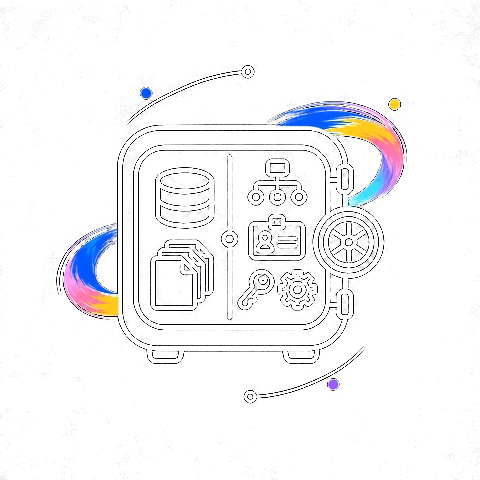
Data and everything around it
Every database, volume, and bucket backs up alongside the security groups, roles, secrets, and Kubernetes manifests the app needs. Your AI apps get the same treatment: the pgvector database, the bucket holding agent context, the inference cluster, and the API keys your agents use are protected as one app and restored together.
Protection set by policy
Set rules by app, tag, cloud, account, data sensitivity, or prod versus dev. New resources that match are protected as soon as Dreeze discovers them, so coverage keeps up with your environment without anyone filing a request.
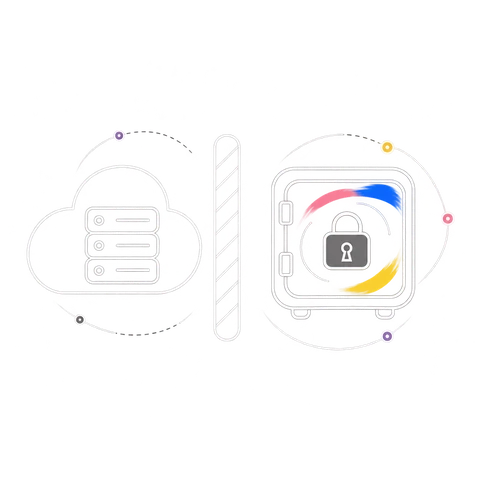
Locked in a vault you own
Copies land in an air-gapped vault in a clean account in your tenant, encrypted and locked on write. In compliance mode, not even an admin can delete them early. Each app’s recovery plan is vaulted too, so the steps to rebuild survive an incident. Anomaly checks compare every backup to its history and flag bulk deletes, dropped tables, and mass rewrites. Need regional resilience? Replicate the vault to a second region.
Restore as much or as little as you need
Bring back the table an agent dropped or the rows a bad migration rewrote, without rolling back the whole database. When the damage is wider, restore the whole app, rebuilt in dependency order.
FAQs
What does Dreeze back up?
On AWS: EC2 and EBS, RDS, Aurora, DynamoDB, EKS, Lambda, and S3, plus the IAM, KMS, Secrets Manager, and networking resources around them. On Azure: Virtual Machines and Managed Disks, Azure SQL Database, Azure Database for PostgreSQL and MySQL, Cosmos DB, AKS, Azure Functions, and Blob Storage, plus Entra ID, Key Vault, and networking.
How is Dreeze different from AWS Backup or Azure Backup?
Native tools protect data and individual resources. Dreeze protects each app as a whole: the data, every resource it depends on, and the plan to rebuild it in order, all stored together in your vault.
Where are my backups stored?
In a vault account or subscription you own, immutable and encrypted with your own keys. Your data never leaves your cloud estate.
How often does Dreeze back up?
As often as you want: daily, weekly, monthly, a custom cron schedule, or on demand. Dreeze checks the longest gap between runs against each app’s RPO.
Do I need clean tags before setting up policies?
No. Tags are one way to scope a policy, but Dreeze maps apps from your live environment, so you can protect by app even where tagging is patchy.
Can I restore one table instead of a whole database?
Yes. Restore individual tables or rows when the damage is narrow, or the whole app when it isn’t.
How does Dreeze keep backup storage costs down?
Deduplication and compression shrink every copy, and tiering moves older recovery points to lower-cost storage as they age.
Is cross-region replication required?
No. It’s optional. Turn it on for the apps that need regional resilience and keep the rest in one region.
See what your backups would miss
A read-only scan of one AWS account or Azure subscription shows every app and which of its resources your current backups leave out.